Engineering work.
Meticulously crafted.

Calculations, sketches, and notes — structured in a fast, local-first workspace.

Download for Windows → Windows 10/11 · 64-bit

Write it. Solve it. Plot it.

LaTeX straight into the text, the answer when you press Esc, and a graph one slash away.

Download for Windows → Windows 10/11 · 64-bit

Fast, private and yours.

What’s under the hood – and why it matters when you work in it every day.

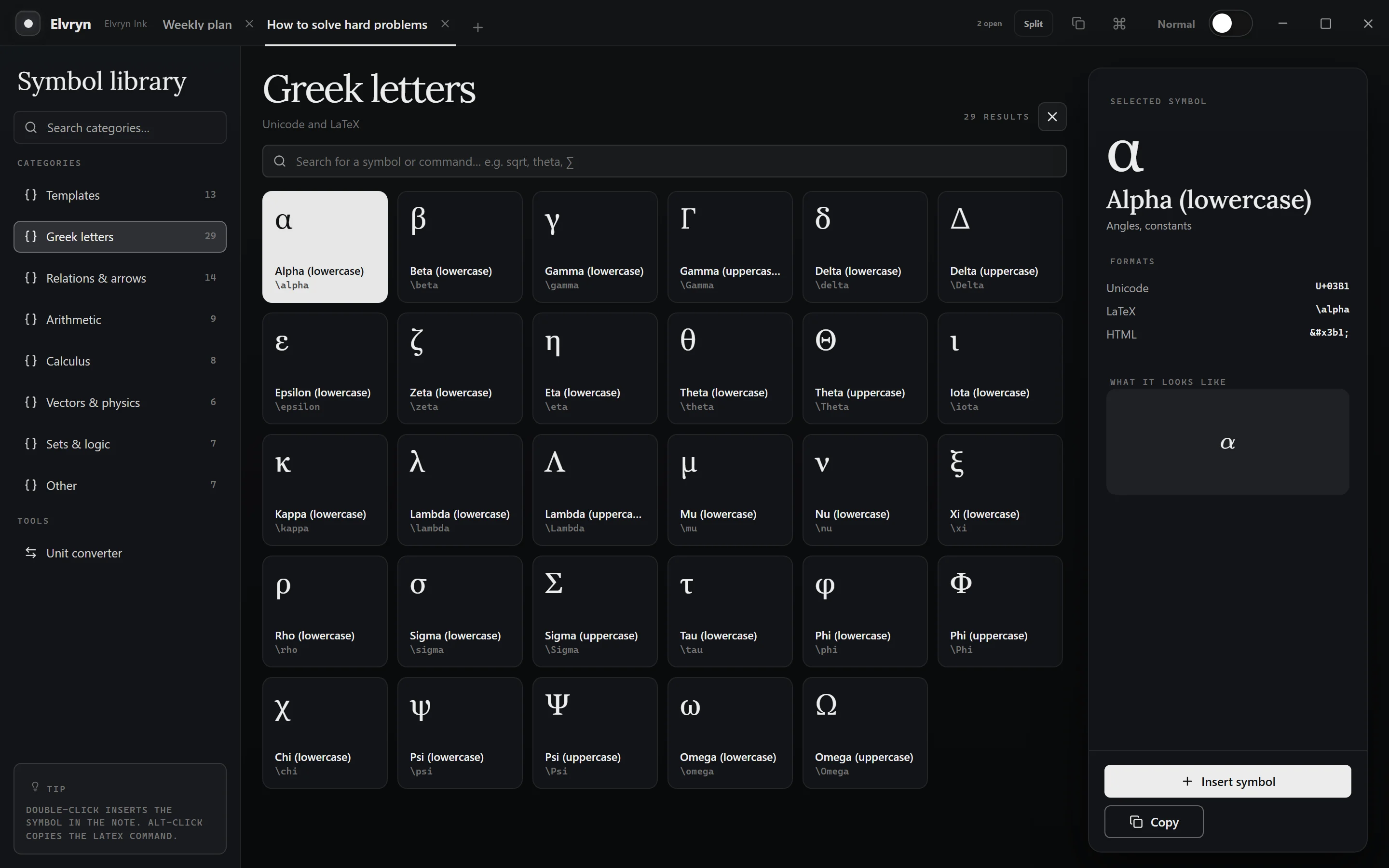
93 symbols, one keystroke away

Type .pi or \theta and get π or θ. Matrices, integrals and equation systems wait as templates.

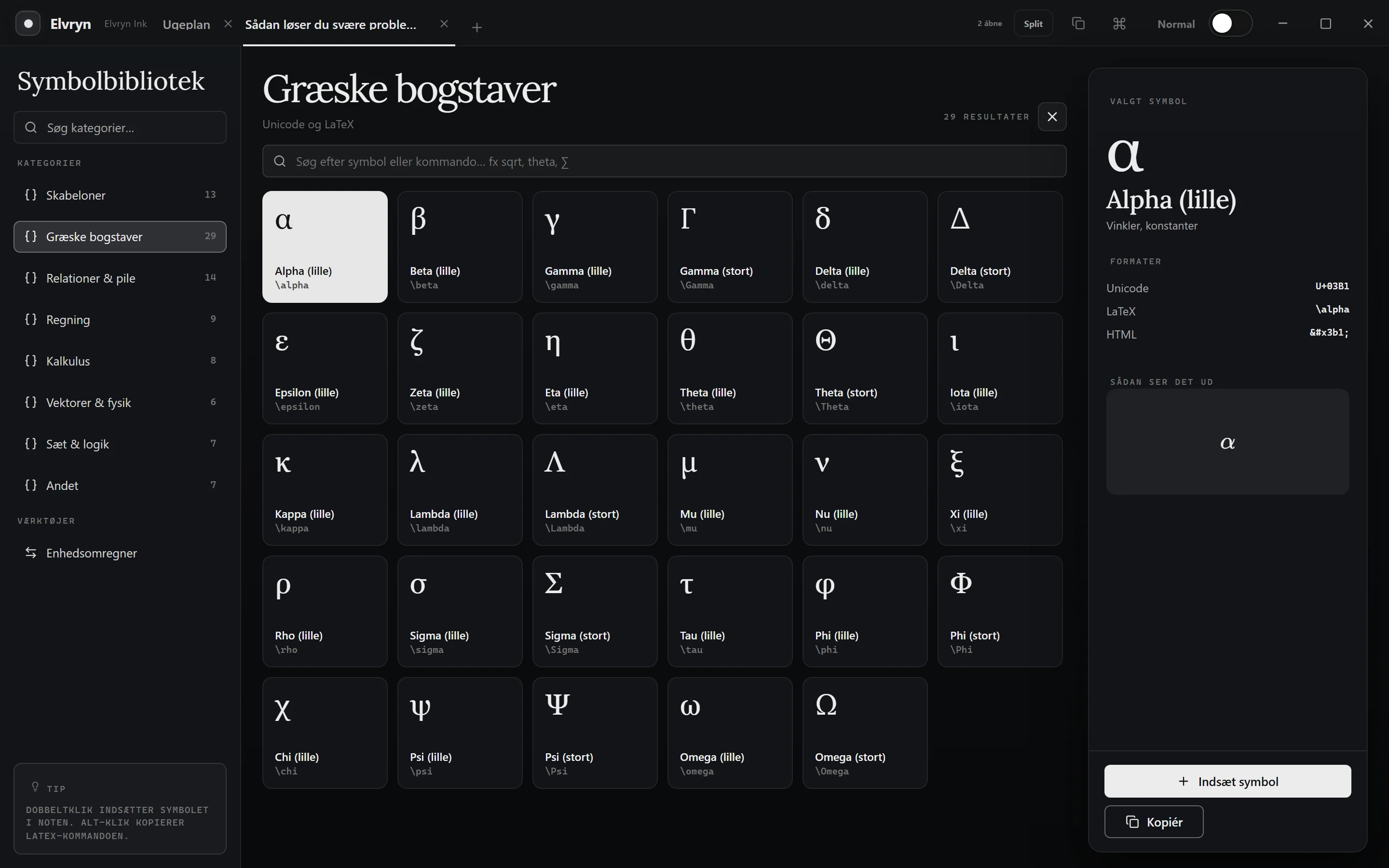
Elvryn’s symbol library on the Greek letters, with alpha picked and its Unicode, LaTeX and HTML.

Encrypted with your password

Lock a single note or a whole folder. The encryption happens on your PC.

Everything under Ctrl+K

A few letters find any command, and every keyboard shortcut can be remapped.

Think on a canvas

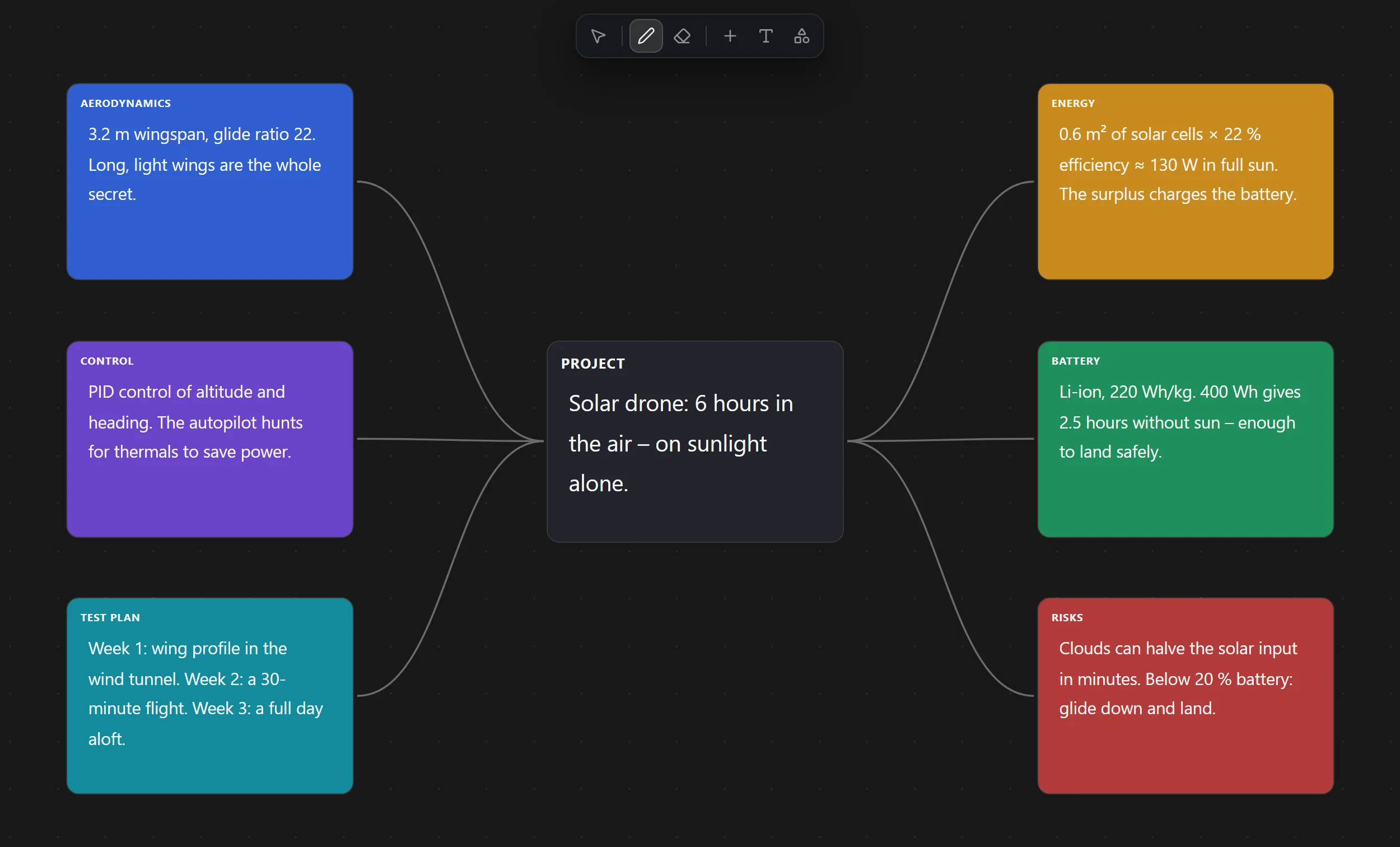
Coloured cards joined by curves, freehand drawing and images in one view. This one plans a solar drone.

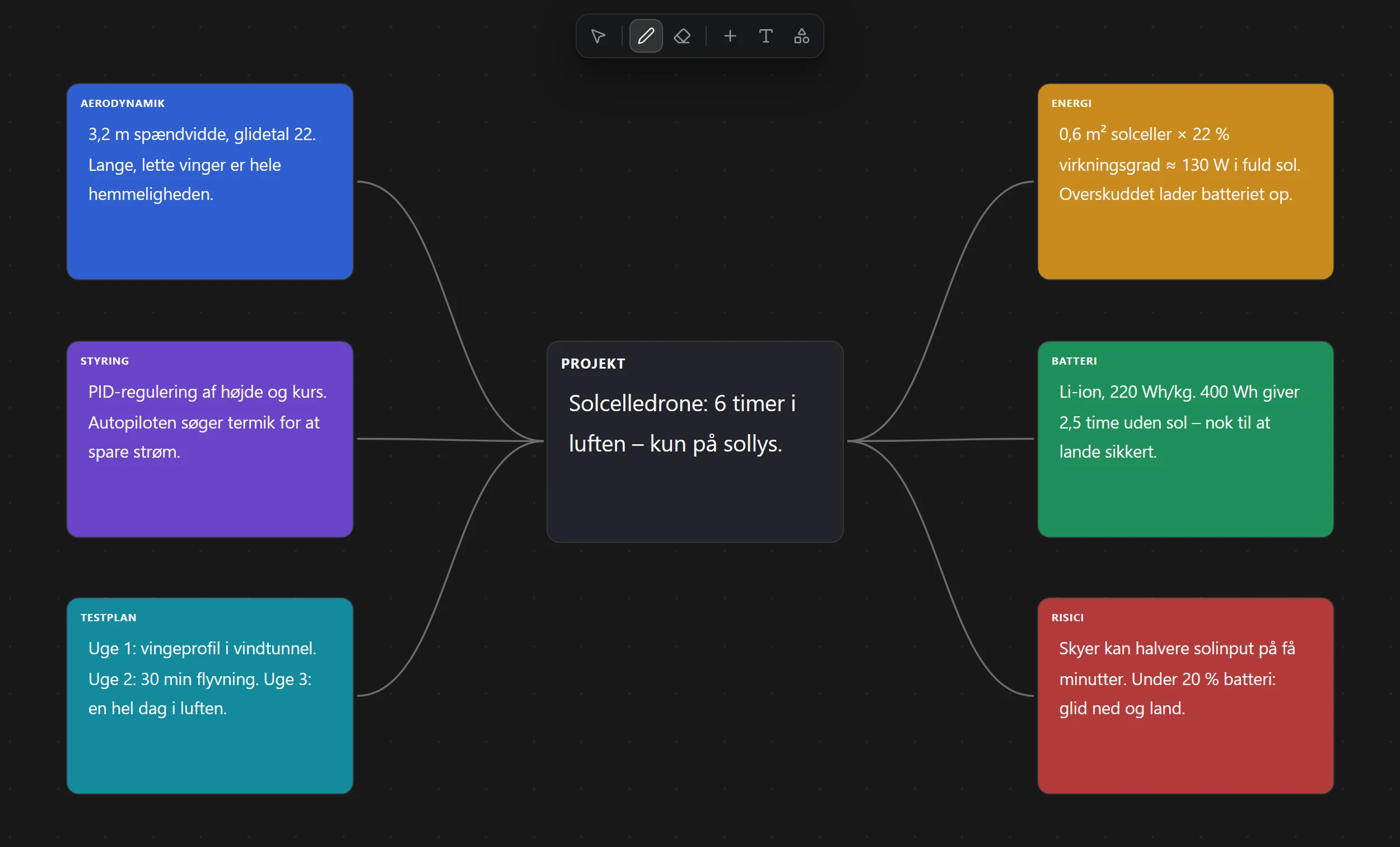
A mind map of a solar drone: the project in the middle and six coloured branches – aerodynamics, control, test plan, energy, battery and risks – joined by curves.

Small and quick

No Electron, no bundled browser: a Rust core on Windows’ own WebView2, light on memory.

27.5MB
installer · ≈ 22 s at 10 Mbit/s
  • Rust
  • WebView2
  • Offline

14 themes

From deep ink to paper white. Switch whenever the mood changes.

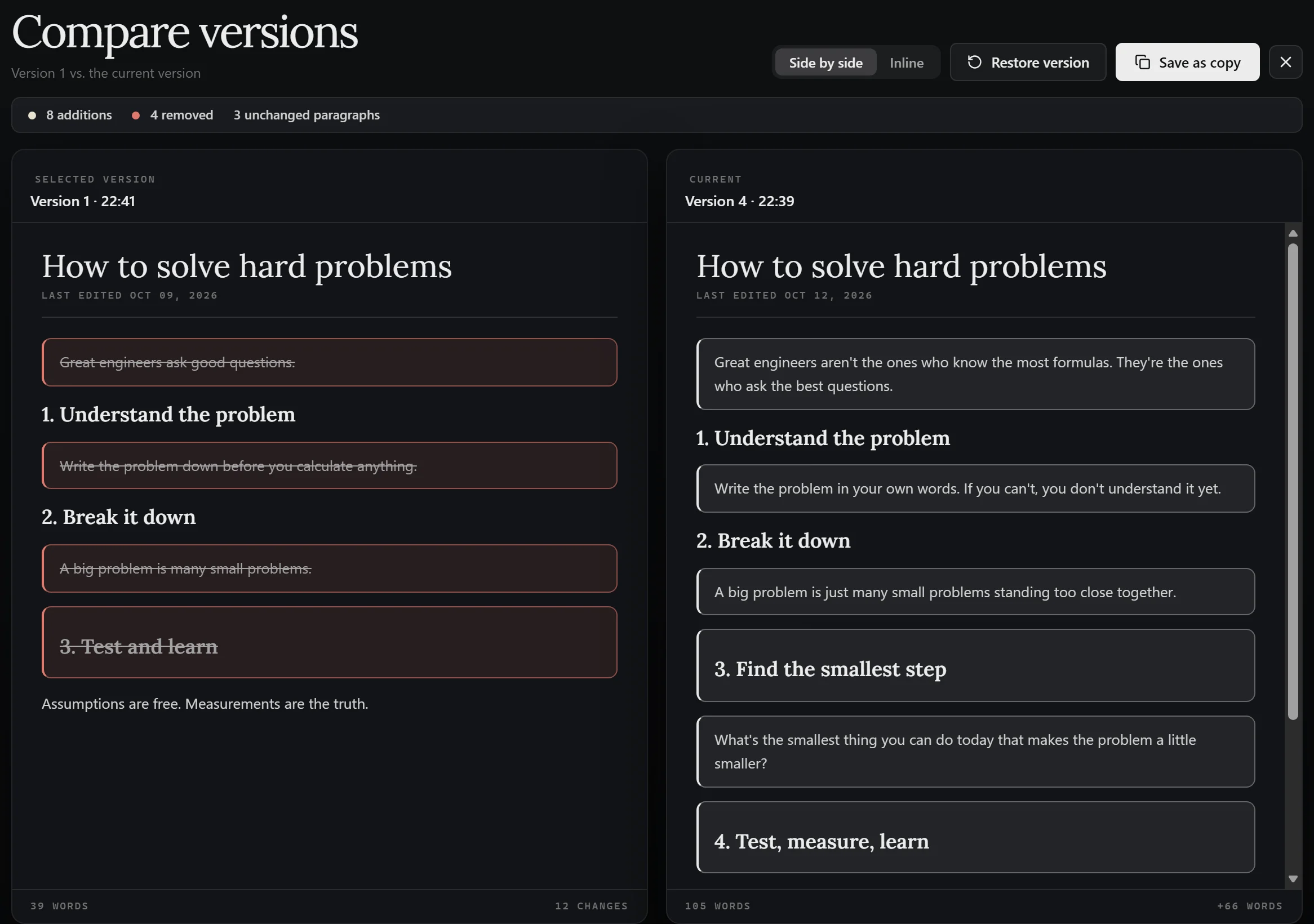
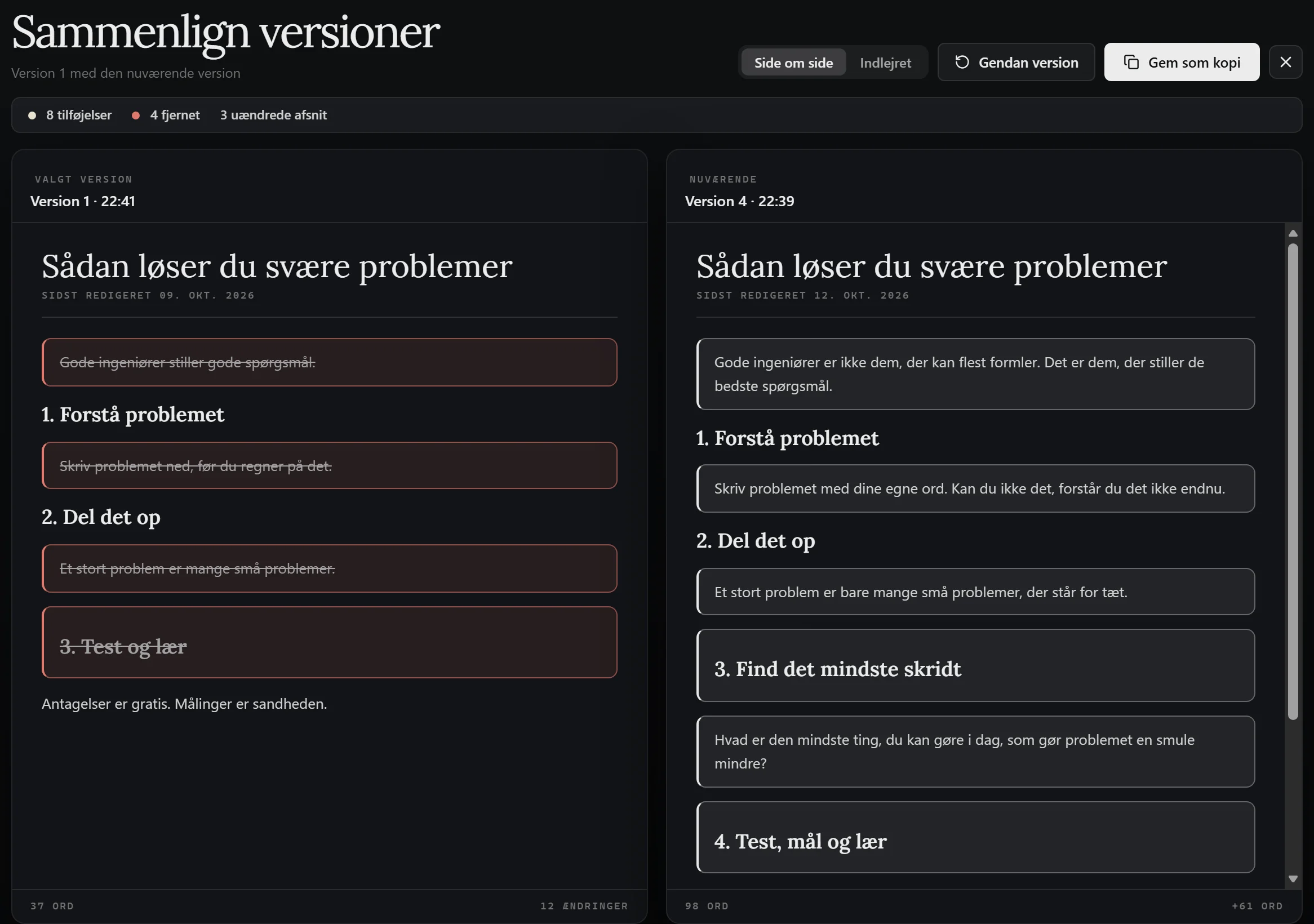
Every version, side by side

Up to 50 versions of each note, with the changes marked.

An early version of a note beside the current one, with the changes marked.

Why Elvryn?

Elvryn is built to make your workflow as a student easier. It's aimed especially at engineers and engineering students, but it isn't limited to them – anyone can use it.

Elvryn comes with built-in tools for writing, drawing and calculating. Everything is easy to reach through keyboard shortcuts and topic tabs – and want to see your work from another angle? Open the whiteboard and watch it unfold in modular sections on one large canvas. From there you can navigate and structure your knowledge.

The app is still in development, and all feedback is welcome with open arms. Email hej@elvryn.com, or use the feedback button in the app.

This is my beta. I hope you find it useful.

ElvrynNotionObsidianOneNote
Calculates formulas in the text✓–Plugin✓
Graphs from your own functions✓–Plugin✓
Freehand drawing and cards on a canvas✓–PartlyPartly
All your notes on one whiteboard✓–✓–
Notes locked with a password✓–Plugin✓
Notes stored on your own PC✓–✓Partly
Your own keyboard shortcuts✓–✓–
Light – no Electron✓––✓

Each app’s standard version, without plugins. October 2026.

Ready when you are.

One installer, no setup. Your first note is a click away.

Download for Windows → Free during the beta · Windows 10/11 · 64-bit